

INSIGHT DETAIL
USB Charging Security
Can a Charging Port Be a Risk?Public charging points are useful when your battery is low.You see one at an airport, hotel, shopping mall, or café, plug in your phone, and move on.
%201.svg)


August 27, 2026
Public charging points are useful when your battery is low.
You see one at an airport, hotel, shopping mall, or café, plug in your phone, and move on.
Most of the time, nothing happens.
But a USB port can do more than provide power.
A standard USB connection can carry both electricity and data.
That matters because a public USB port may not always be just a power source.
If a compromised port or cable tries to communicate with your device, the risk is sometimes described as juice jacking.
The term sounds dramatic, but the idea is simple: a charging connection is being used for something other than charging.
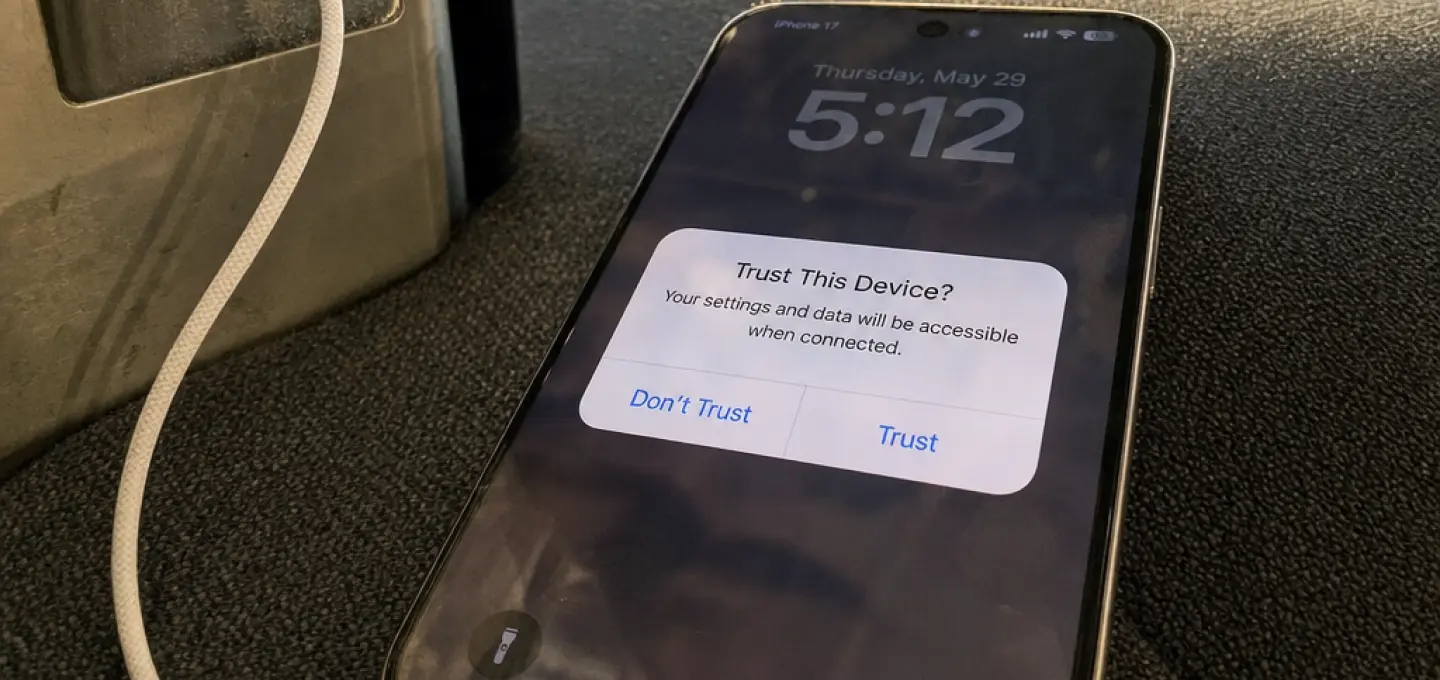
Depending on the device and how it is configured, a USB connection may try to trigger data transfer, request access, or make the device trust a connected system.
Modern phones usually show a prompt before allowing this.
You might see options such as:
Charge onlyFile transferTrust this device
Those prompts matter.
If you only want power, there is usually no reason to approve data access.
Not every USB cable is just a cable.
Some can contain extra hardware or support data transfer even when you only intend to charge.
That is why a charging-only cable can be useful in places where you do not control the USB port.
Another simple option is to use your own wall charger and plug it into a normal power outlet instead of using a public USB socket.
Another useful term is device trust.
When you approve a computer or accessory, your phone may allow more interaction with it.
That can be convenient on your own laptop.
It makes much less sense on a random charging station.
You do not need to avoid public charging completely.
Just know what you are plugging into.
Use your own charger when possible, avoid approving unexpected prompts, and choose charge-only mode if your device offers it.
The safest charging connection is usually the one that gives power and nothing else.
Disclaimer
This article is intended for informational and educational purposes only. It does not constitute legal, technical, privacy, or cybersecurity advice. USB security features, device behavior, and charging standards may vary by device and may change over time, so users should review the latest guidance from their device manufacturer and trusted security sources.