What Are You Really Connecting To?
Free Wi-Fi is hard to resist.
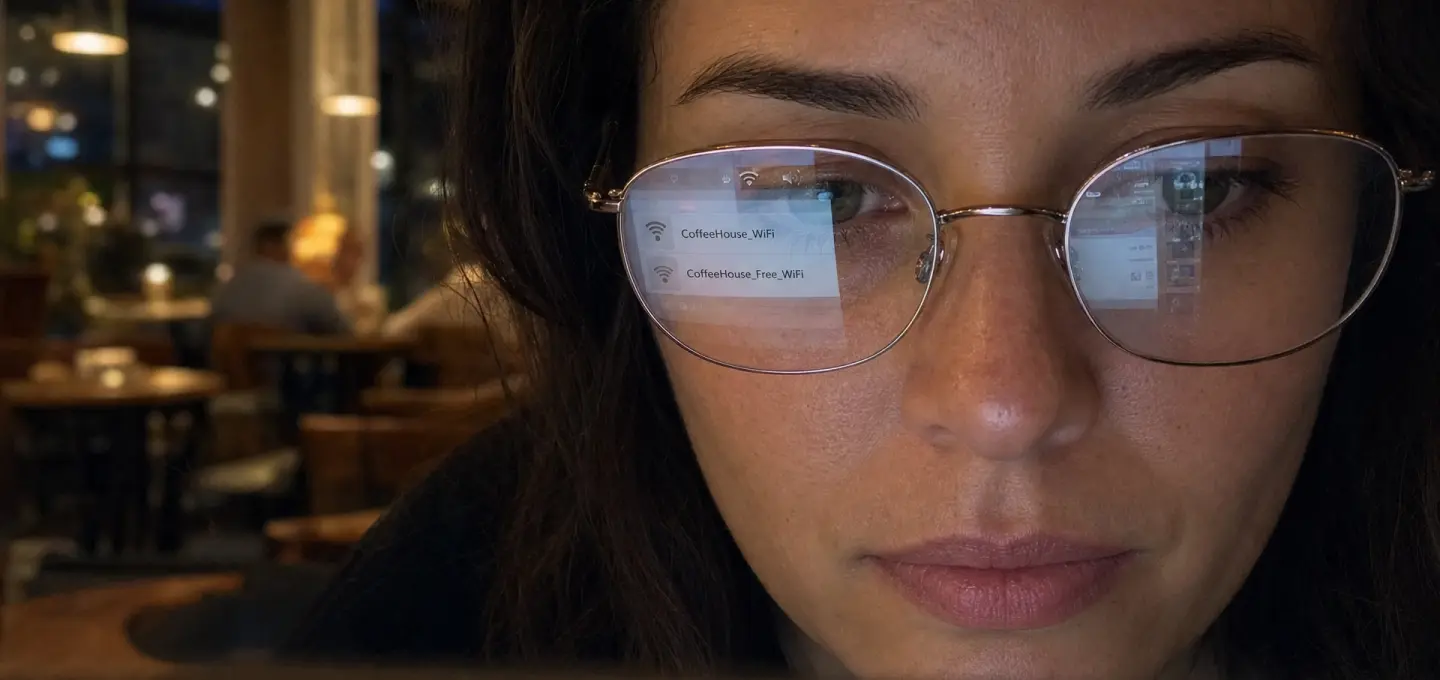
You sit down at a café, open your laptop, see a network that looks right, and connect. Most people do not think much about it.
The problem is that a Wi-Fi name is just a name.
Someone else can copy it.
Fake Wi-Fi Can Look Completely Normal
Let’s say the café network is called:
CoffeeHouse_WiFi
An attacker nearby creates another one:
CoffeeHouse_Free_WiFi
At a glance, both look believable.
This kind of fake network is often called an Evil Twin. The attacker creates a Wi-Fi connection that looks like the legitimate one and waits for people to join it.
It can also be described as a Rogue Access Point, meaning an unauthorized access point pretending to be part of the real network.
You do not need to be doing anything unusual to get caught by this. Sometimes choosing the wrong network is enough.
So What Can Actually Happen?
If your device connects to a malicious network, someone may try to watch or interfere with the traffic passing through it.
This is where Man-in-the-Middle, or MITM, comes from.
In simple terms, someone places themselves between you and the service you are trying to reach.
That does not mean every password suddenly becomes visible.
Most modern websites use HTTPS, which encrypts traffic between your browser and the website. That protection matters.
But HTTPS does not make a fake network trustworthy.
Be Careful With Wi-Fi Login Pages
Hotels, airports, and cafés often use a login page before giving internet access.
That is normal.
But fake networks can copy those pages too.
If a Wi-Fi page suddenly asks for your email password, banking details, or information that does not make sense for getting online, stop there.
The request itself is the warning.
A Quick Check Is Usually Enough
Public Wi-Fi is not something you need to fear.
Just do not connect on autopilot.
Check the exact network name. Ask staff if you are unsure. Pay attention to browser warnings. Be careful with sensitive logins on networks you do not know.
The biggest risk with public Wi-Fi is often not the technology.
It is how easy it is to trust a network simply because the name looks familiar.
Disclaimer
This article is intended for informational and educational purposes only. It does not constitute legal, technical, privacy, or cybersecurity advice. Network security risks and protection methods may change over time, so users should follow current guidance from trusted service providers and device vendors.



%201.svg)