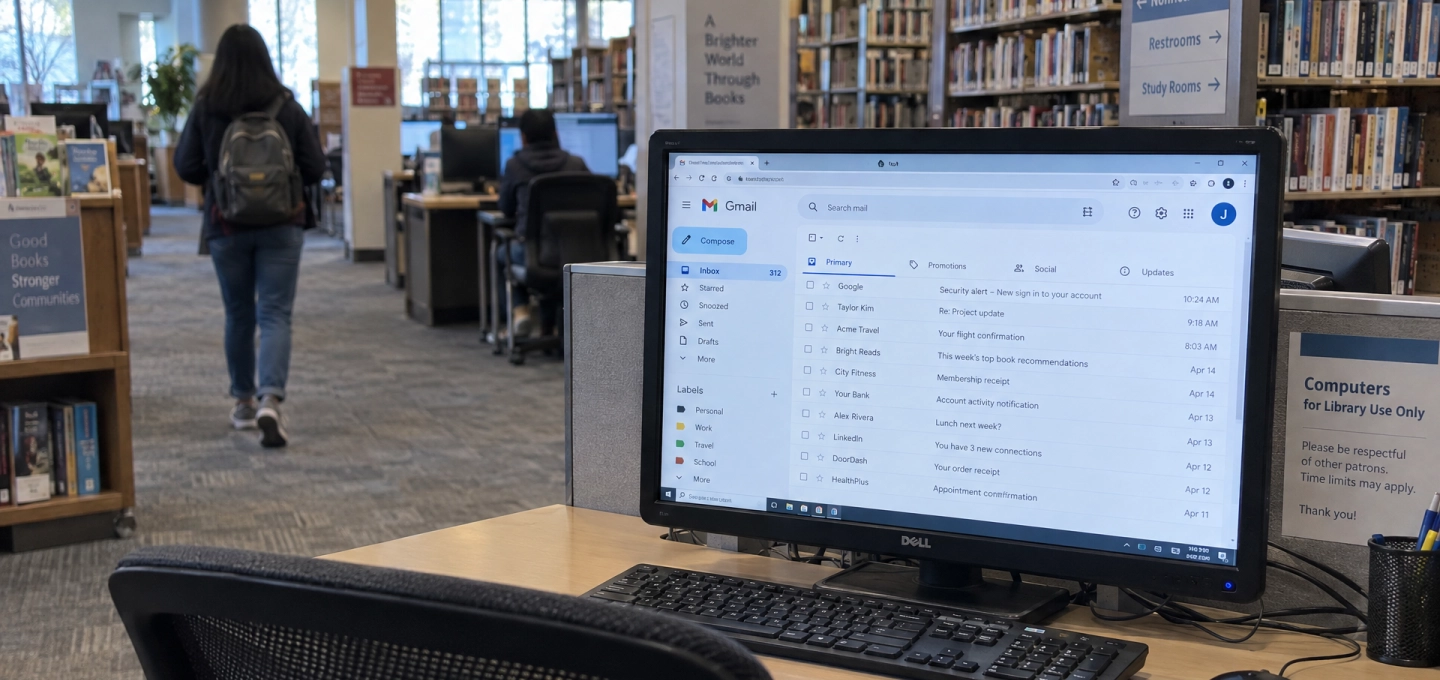
Public Computer Security: What Should You Never Leave Behind?
Public computers can be useful when you need quick access to email, a document, or an online account.
You might use one in a hotel, airport, library, school, or shared office.
The problem is not always what you do while using the computer.
Sometimes the bigger risk is what you leave behind.
Active Sessions Can Stay Open
Closing a browser window does not always mean your account is fully signed out.
If an email, social media, cloud storage, or work account remains active, the next person using the computer may be able to access it.
That is why public computer security starts with properly signing out of every account before you leave.
Browsers Can Remember More Than You Expect
Modern browsers can save a lot of personal information.
That may include saved passwords, browser autofill data, browsing history, and recently used account details.
On a public computer, these convenience features can become a privacy risk.
If the browser asks whether you want to save your password, the safest answer is usually no.
Downloaded files matter too.
A CV, invoice, ID document, boarding pass, or work file can easily remain in the Downloads folder after you leave.
Does Incognito Mode Make Public Computers Safe?
Not completely.
Private or incognito browsing can reduce some local browser history, but it does not remove every risk.
Downloaded files may still remain on the device, and you still need to sign out of your accounts manually.
Safer Habits on Shared Computers
If possible, avoid accessing sensitive accounts on computers you do not control.
When you must use one, do not save passwords, avoid unnecessary downloads, sign out completely, and delete any personal files before leaving.
Using multi-factor authentication can also provide an extra layer of account security.
A public computer may only be used for a few minutes.
But forgotten data can stay behind much longer.
Before you walk away, ask yourself: Did I leave anything personal on this computer?
Disclaimer
This article is intended for informational, educational, and cybersecurity-awareness purposes only. Security and privacy features may vary by browser, operating system, and device configuration. Users should follow official guidance when using shared or public computers.



%201.svg)