

INSIGHT DETAIL
App Permissions
How Much Access Does Your Phone Really Give? Most of us install apps without thinking too much about permissions.We tap “Allow,” move on, and start using the app.
%201.svg)


September 21, 2026
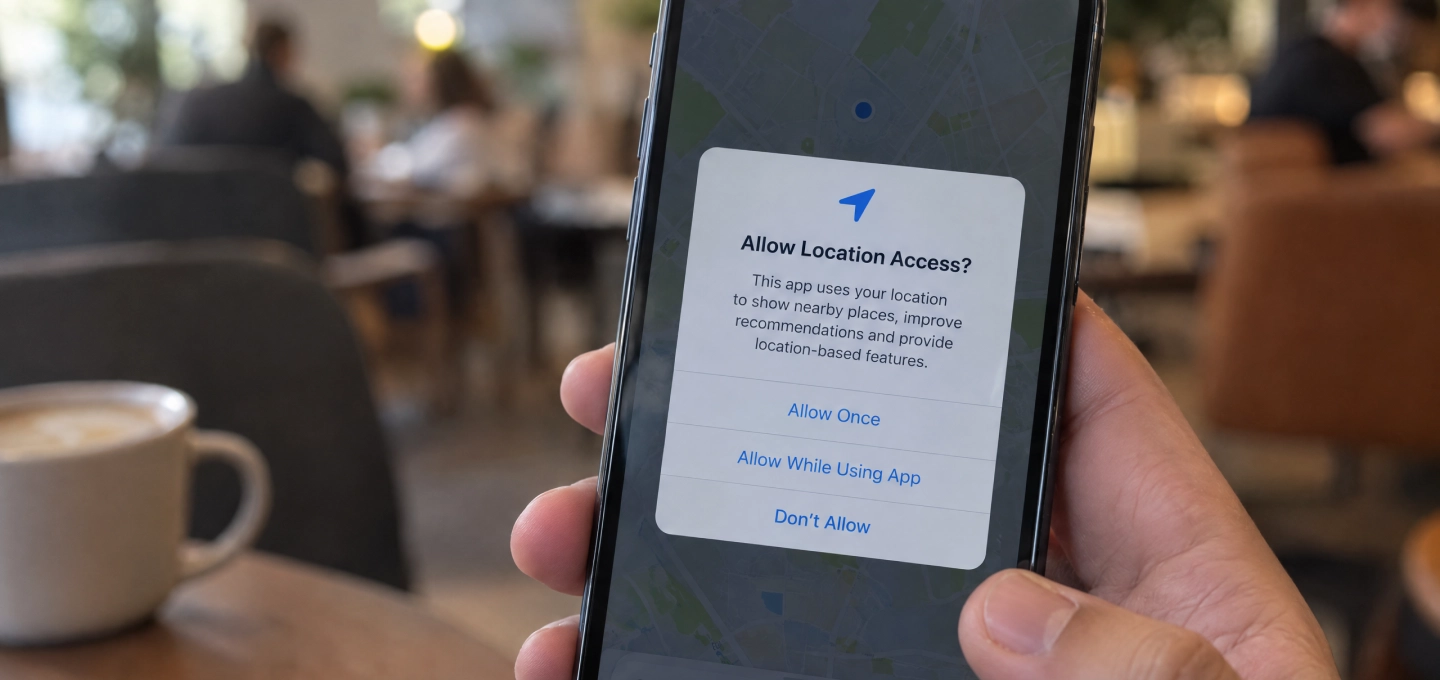
Most of us install apps without thinking too much about permissions.
We tap “Allow,” move on, and start using the app.
But over time, that can mean dozens of apps have access to parts of your phone you may have forgotten about.
That is why app permissions are an important part of mobile security and data privacy.
App permissions control what an application can access on your device.
That can include your location, camera, microphone, contacts, photos, and other personal data.
Some permissions make perfect sense.
A navigation app needs your location. A video-call app needs access to your camera and microphone.
But not every request is equally necessary.
If a simple app asks for access to your contacts, microphone, and precise location, it is worth asking why.
The more access an app has, the more information it may be able to collect.
Location data can reveal where you spend time. Contact access can expose information about other people. Microphone and camera permissions are even more sensitive because they connect directly to your surroundings.
This does not mean every app requesting these permissions is unsafe.
It simply means permission requests should not be treated as automatic.
Both Android and iPhone now give users more control over permissions.
You can often allow location access only while an app is in use, limit photo access to selected images, or disable camera and microphone access completely when they are not needed.
These small changes can reduce unnecessary data collection without stopping you from using the app normally.
One of the easiest smartphone privacy habits is reviewing permissions from time to time.
Old apps may still have access to your data even if you have not opened them for months.
You do not need to become suspicious of every permission request.
Just pause for a second before tapping “Allow.”
A useful question is:
Does this app really need this information to do what I installed it for?
That simple habit can make a real difference to your mobile privacy and security.
Disclaimer
This article is intended for informational, educational, and cybersecurity-awareness purposes only. App permission settings and privacy controls may vary depending on the device, operating system, and app version. Users should review permissions based on their own needs and refer to official device or application guidance when making privacy and security changes.